Feedback
Updated May 7, 2026
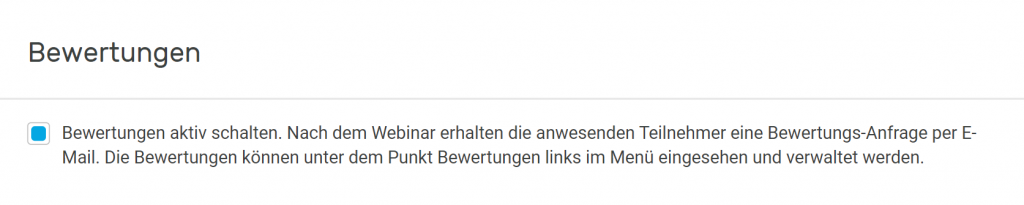
If you have enabled the feedback option under the ‘Settings’ menu item and in the settings for the relevant webinar, participants who attended will receive a rating request by email after the event. Ratings can be viewed and managed under the ‘Feedback’ section on the left-hand side of the dashboard menu. If ratings are enabled in ‘Settings’, they will be displayed in an overview under the ‘Feedback’ menu item, and participants will receive a link via email allowing them to submit a webinar rating in the form of stars and comments. If the rating is not submitted within 7 days, the link expires.
You have the option to download the submitted ratings as an Excel spreadsheet, delete them, or display them on your landing page. To display the rating on your landing page, simply select the desired rating and click on the icon showing a screen and a small plus sign. If ratings are not desired at all, the administrator can uncheck the “Feedback” box in the settings. This blocks the review function for all team members and presenters, even for individual webinars