


Intuitive chat
Updated May 4, 2026
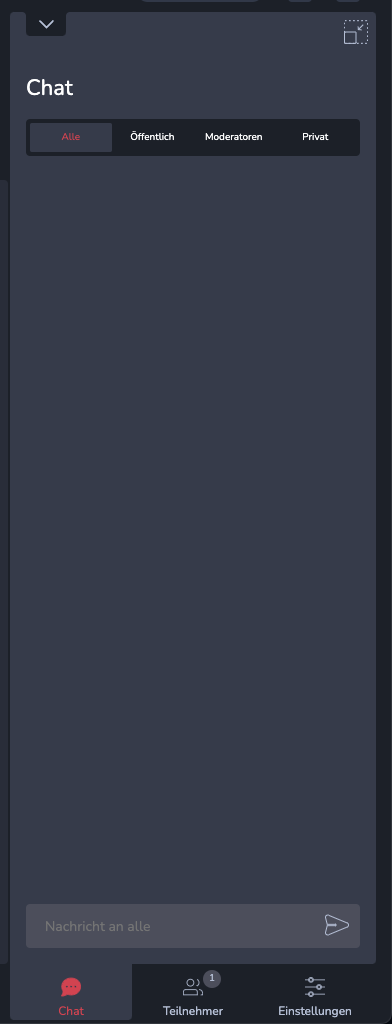
For a better overview, the chat is divided into 4 tabs. The individual message tabs Everyone, Public, Moderators, and Private provide a better overview of the individual channels and ensure that unread messages are immediately visible and no more messages are lost. In the tab
The ‘All’ tab displays the entire chat history for the event. The ‘Public’ tab contains all messages that are publicly visible (i.e. to every participant in the event). The ‘Moderators’ tab contains messages sent to the moderators, and corresponding private conversations can be found in the ‘Private’ tab.
Using the arrow in the top-left corner, you can ‘hide’ the chat so that it no longer takes up space in the workspace and the focus is now entirely on the presentation. Using the ‘detach’ icon in the top-right corner, you can open the chat in a separate window, effectively extending your workspace to a second monitor.
Important: The setting only ever has an effect on your own presentation and does not control the presentation of the other participants.
