


Account settings and admin rights
Updated May 6, 2026
As an account owner, you are automatically the administrator of your edudip account. As an administrator, you have access to central settings and can store basic information for your account.
In den Einstellungen finden Sie neben Ihren persönlichen Einstellungen auch die allgemeinen Accounteinstellungen. Dort können Sie unter anderem Ihr Firmenlogo sowie eine passende Hintergrundfarbe für das Logo hinterlegen.

The company logo stored there is automatically displayed in automated emails and on the landing page of your webinars. In addition, you can define the button color for automated emails and thus visually adapt communication with your participants to your corporate design.
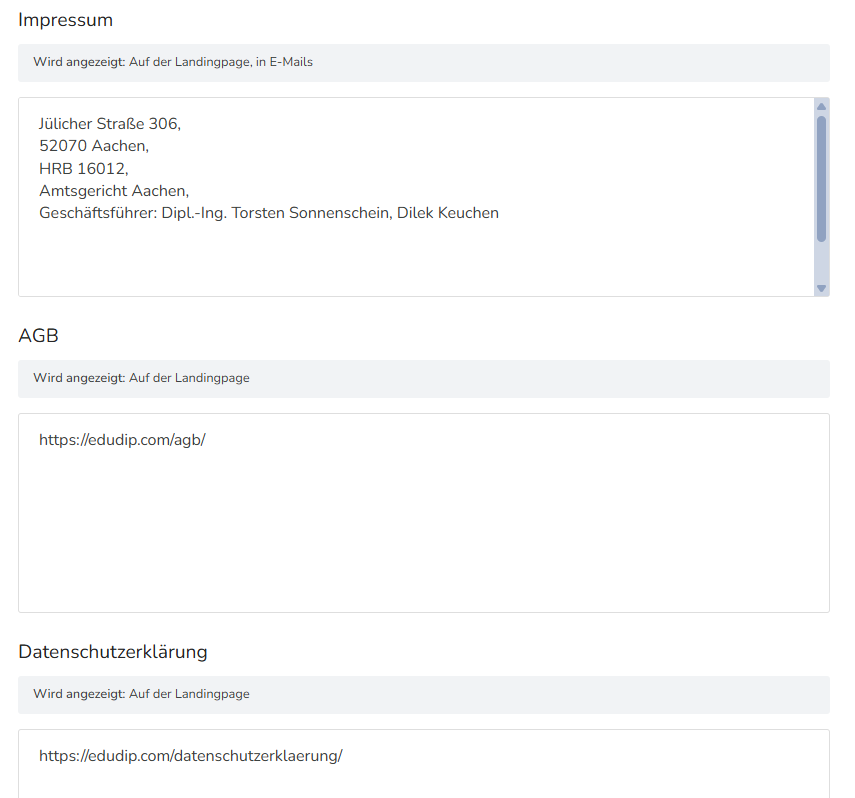
Legal texts such as your terms and conditions or data protection information can also be stored in the account settings. This information is particularly important if you want to use your own legal requirements or company-specific information for your webinars.
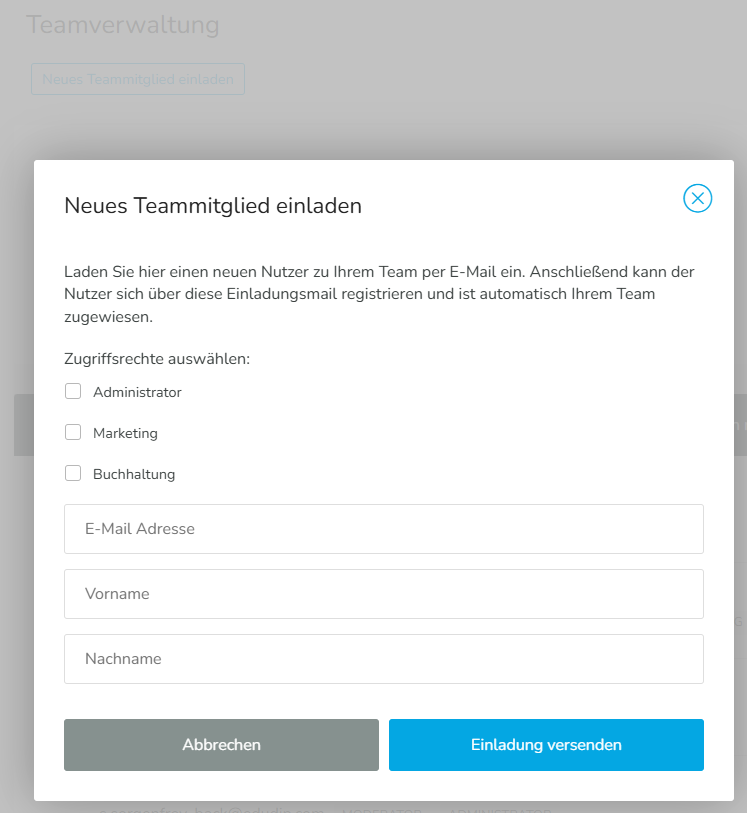
If you want to add more people to your account, you can do so via Team Management. You can then control the respective authorizations and roles of the individual persons via rights management.
After you've checked the basic account settings and adjusted them as needed, you can create your first webinar.
