


Camera Modes
Updated May 4, 2026
By default, your camera feed is displayed in the upper right corner. Use the camera view to change your display mode. To display yourself as a presenter in full size within the webinar room, select Focus Mode (Single). If you are hosting your webinar with more than one moderator, Tile Mode allows you to display the main moderator and up to 3 co-moderators in the webinar room (Moderators). Meeting Mode allows you to display moderators and active participants as tiles across the entire screen. To end the broadcast in Focus or Tile Mode, simply exit the view.
Speaker Mode and Collaboration Mode
Speaker mode is set by default, meaning the camera bar is pre-positioned above the presentation area. If you activate collaboration mode in the webinar room settings, the tiles will be positioned on the right side of the screen.
Undock camera window
For a better overview of all active participants, camera feeds can be undocked and displayed in a second window alongside the presentation area.
To open the videos in a new tab, please click the undock icon located at the bottom right of the screen. To undo this action, click the icon again, which will be located at the top of the screen when undocked.
Important: Just like the option to undock the chat, this setting is individual and does not affect the view of other participants. If you can't find the window with the undocked camera feeds among all your open tabs, you can bring it back into focus at any time via the main room. To display the camera feeds back in their usual position, you can simply close the undocked window.
The passive moderator
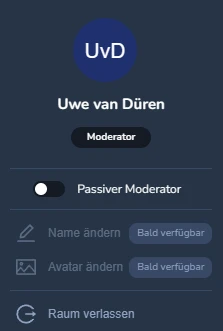
The passive moderator allows you to hide your moderator tile, creating more space for colleagues. This is particularly useful if, for example, during VIP support, you have a moderator on board for technical assistance or chat support who doesn't contribute to the content. The respective moderator can find this option in the bottom left of their new user menu. If the passive moderator activates a device (camera/microphone), passive mode will end.
